近期 Chrome 发布了 59 版本,那么与开发者最贴近的开发者工具中带来了什么新功能呢?
- CSS 和 JS 代码使用率检测。
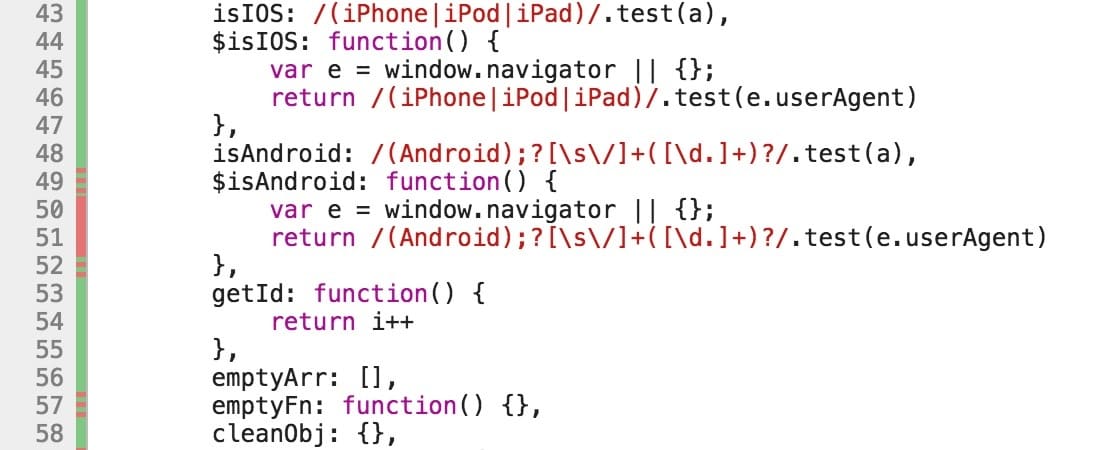
Coverage Tab 可以展示使用到与未使用到的代码占比。
- 全页面截图,也就是传说中的超长截图。
入口需要把模式切换成移动设备模式,更多里选择
Capture full size screenshot。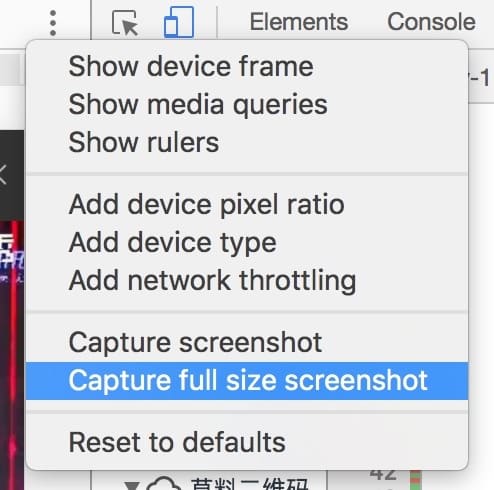
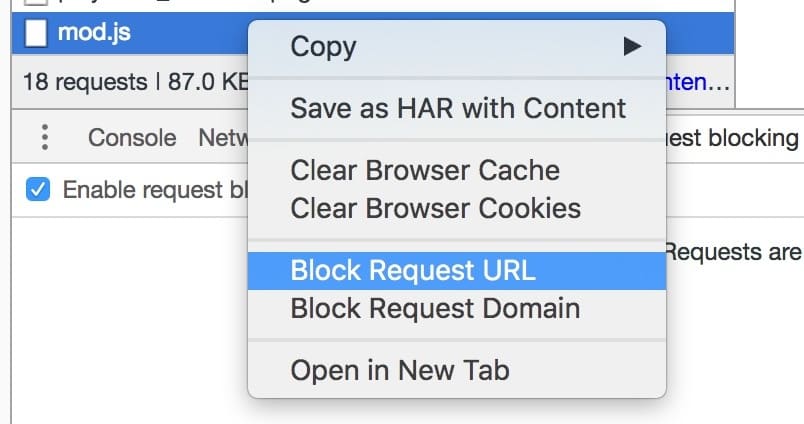
- 阻止网络请求。
手动的方式在网络面板阻止单个网络请求,方便进行页面调试。
- 单步调试 async/await。
function wait(ms) { return new Promise(r => setTimeout(r, ms)).then(() => "Yay");}// do some work in background.setInterval(() => 42, 200);async function test() { debugger; const hello = "world"; const response = await fetch("index.html"); const tmp = await wait(1000); console.log(tmp); return hello;}async function runTest() { let result = await test(); console.log(result);}- 统一命令行菜单,在开发者工具中使用
Command + O调起。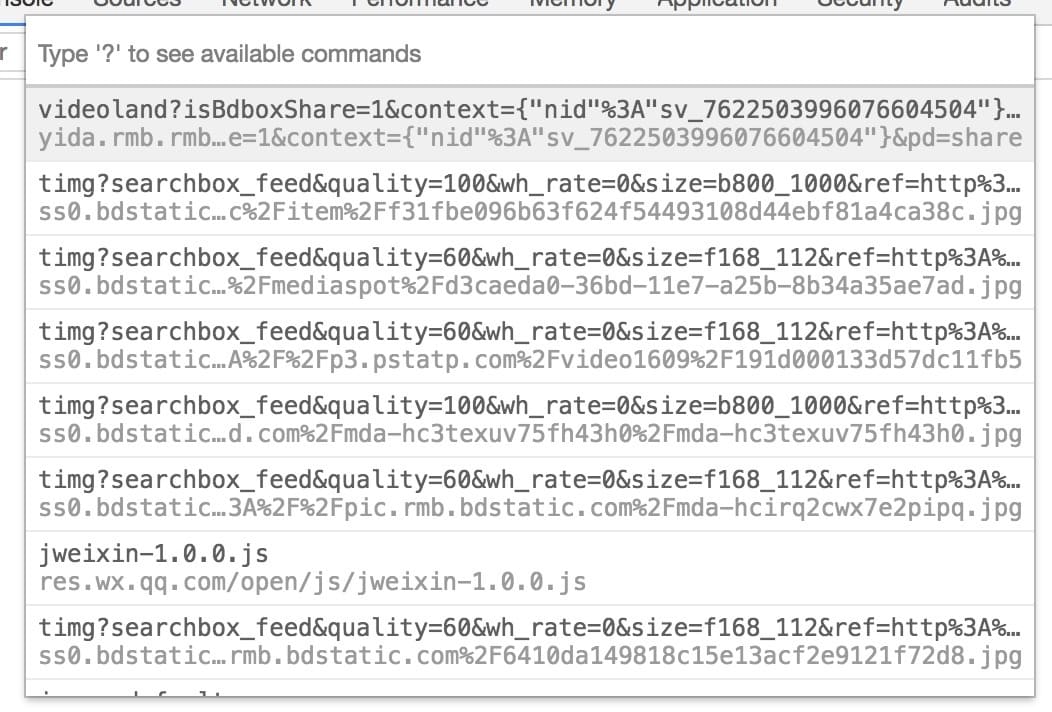
这些新增特性使用起来非常酷,可以在实际工作中使用起来。
详细请点击这里
以上。